Guide photo iPhone en français et en anglais
Pages du guide en français
Avant/après de photos iPhone retouchées avec les recettes du guide
Bonus : le preset Vintage offert avec le guide

iPhone Photo Guide + free Vintage preset

Precio habitual€19,90
/
Impuesto incluido. Los gastos de envío se calculan en la pantalla de pagos.

Idioma

38 pages to finally take beautiful photos with the phone that's already in your pocket. From settings to editing, everything I do with my iPhone photos, explained simply, with my real photos.

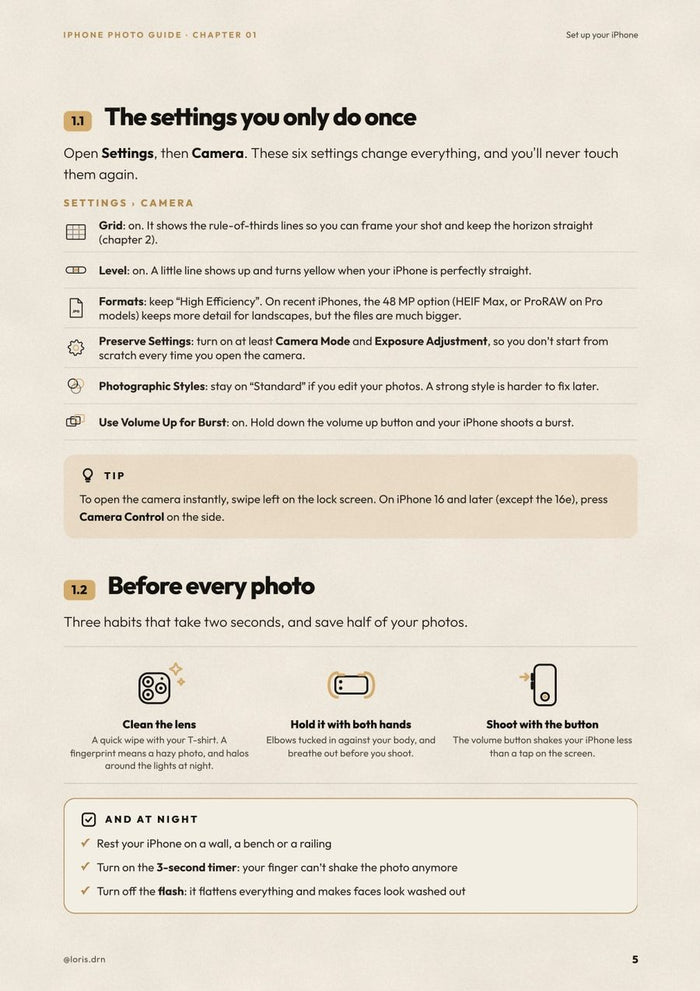
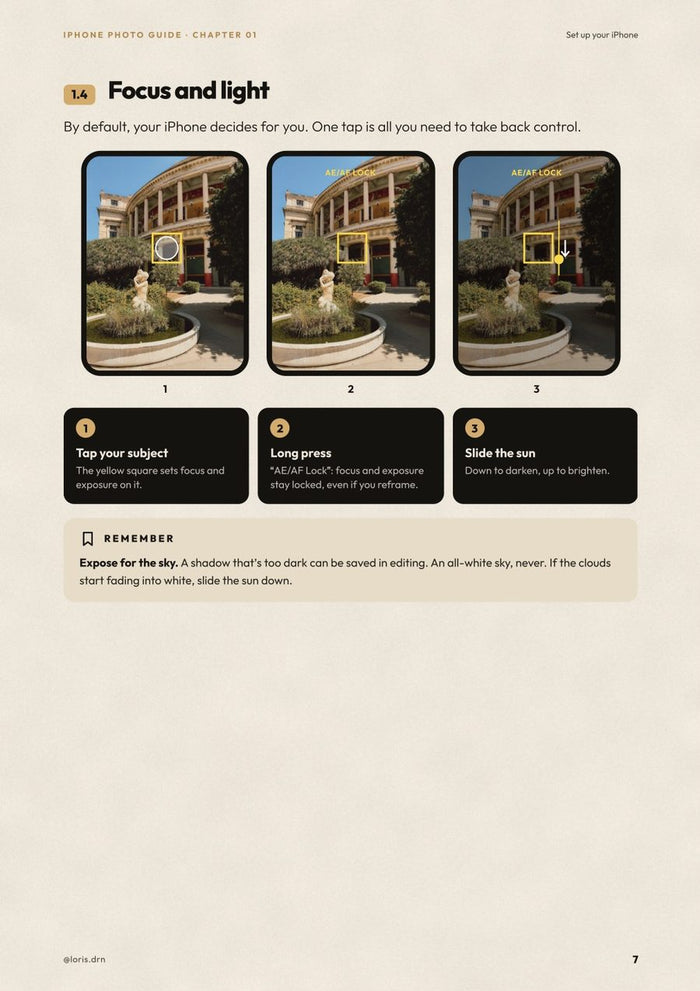
  • Set up your iPhone: the 6 settings to turn on once and for all, the right lens (0.5×, 1×, 2×…), focus, exposure, and Portrait, Night, Live Photo and Macro modes.
  • Compose your photos: the rule of thirds, leading lines, symmetry, changing your height, telling a place in three photos.
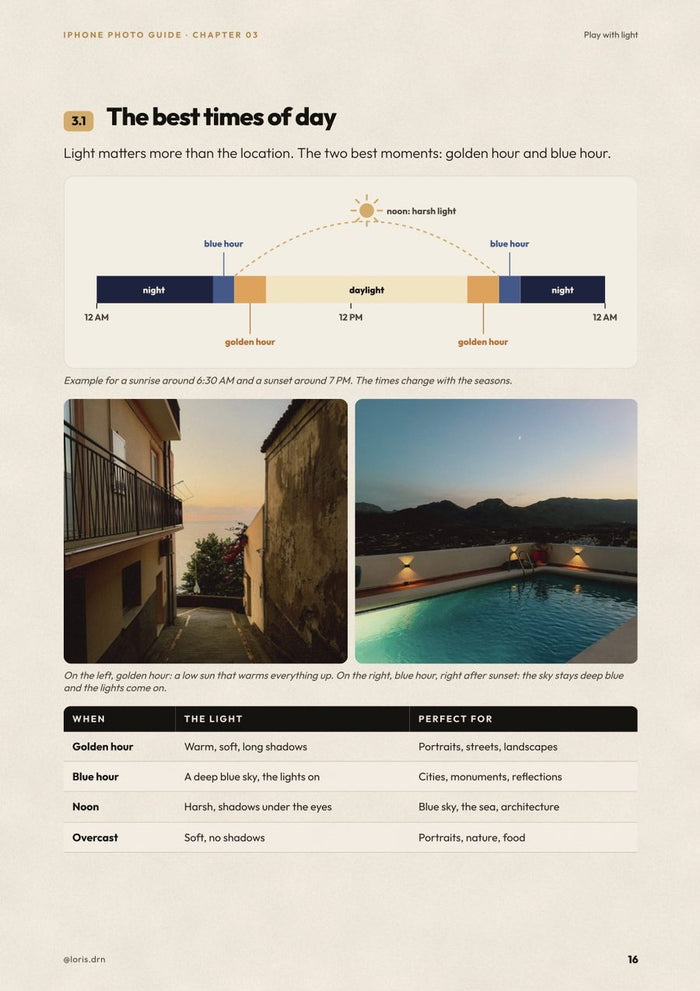
  • Play with light: golden hour, blue hour, harsh sun, night, indoors, portraits and gray skies.
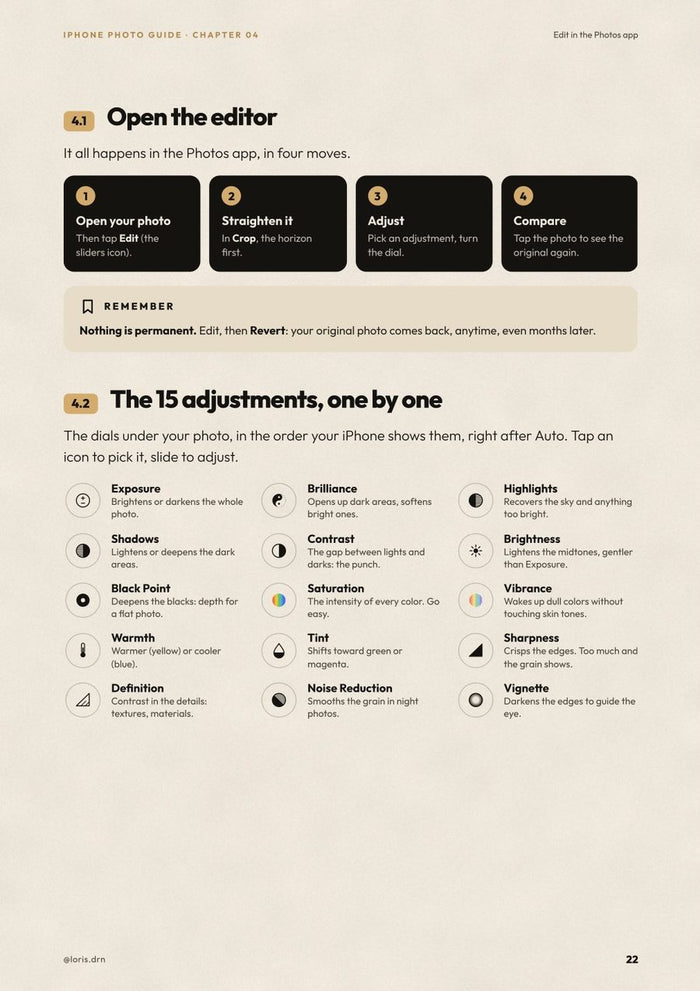
  • Edit in the Photos app: all 15 adjustments explained one by one, the order to follow, and how to copy your edit to a whole series.
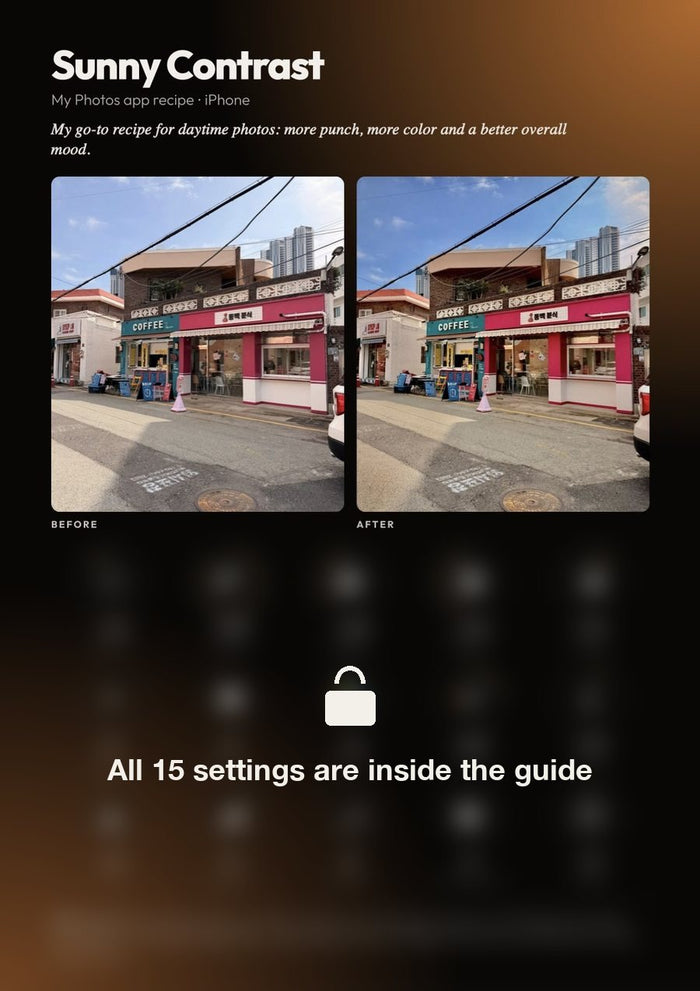
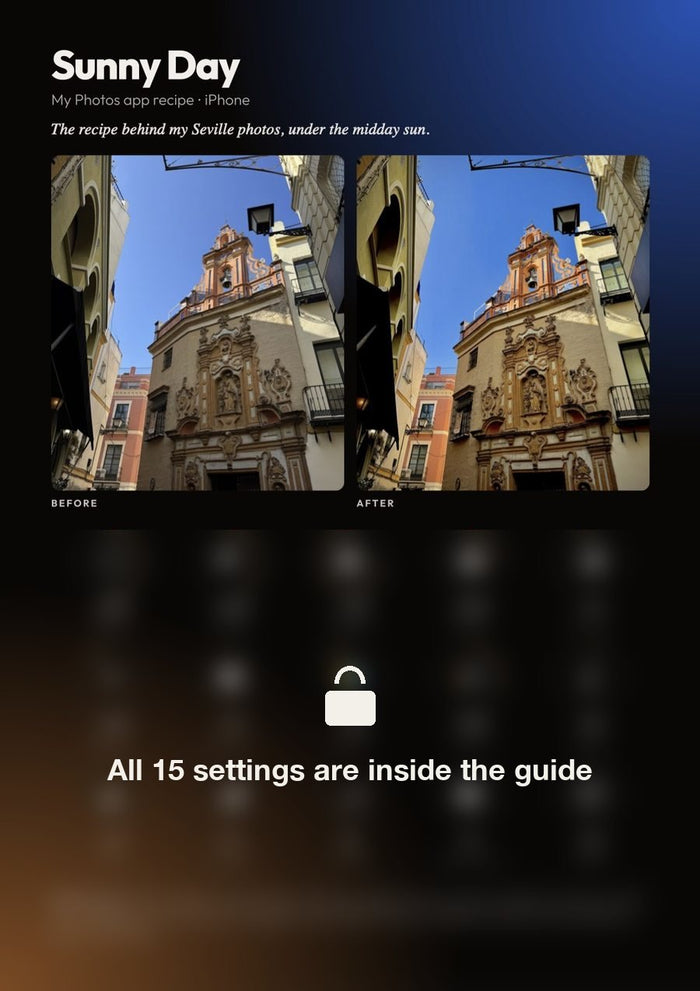
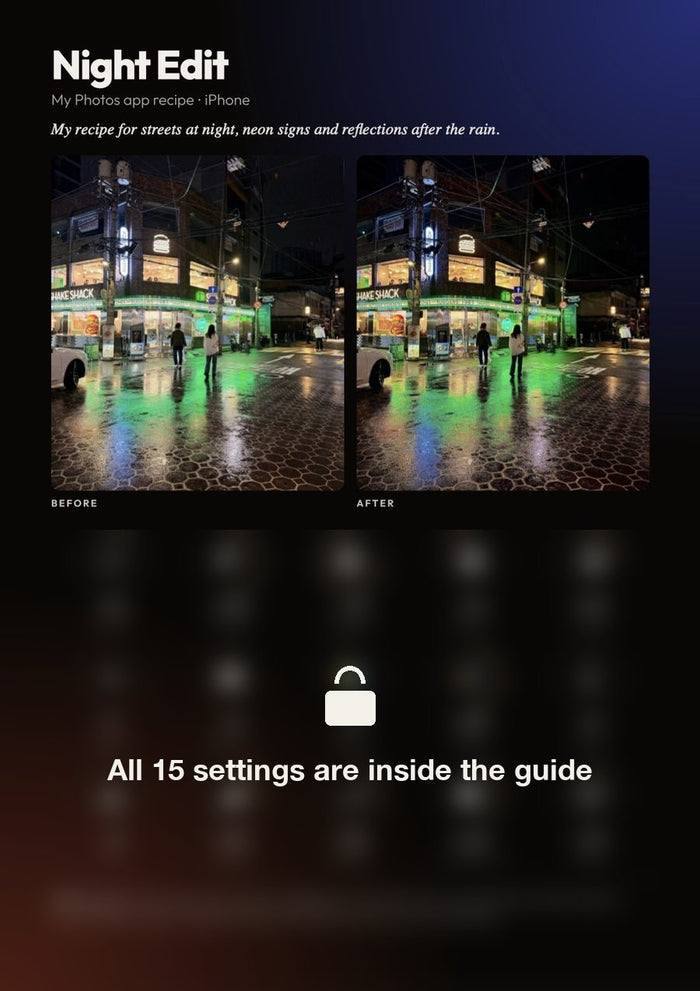
  • My 3 editing recipe cards: my exact recipes (sunny, harsh sun, night), dial by dial, with the before/after.
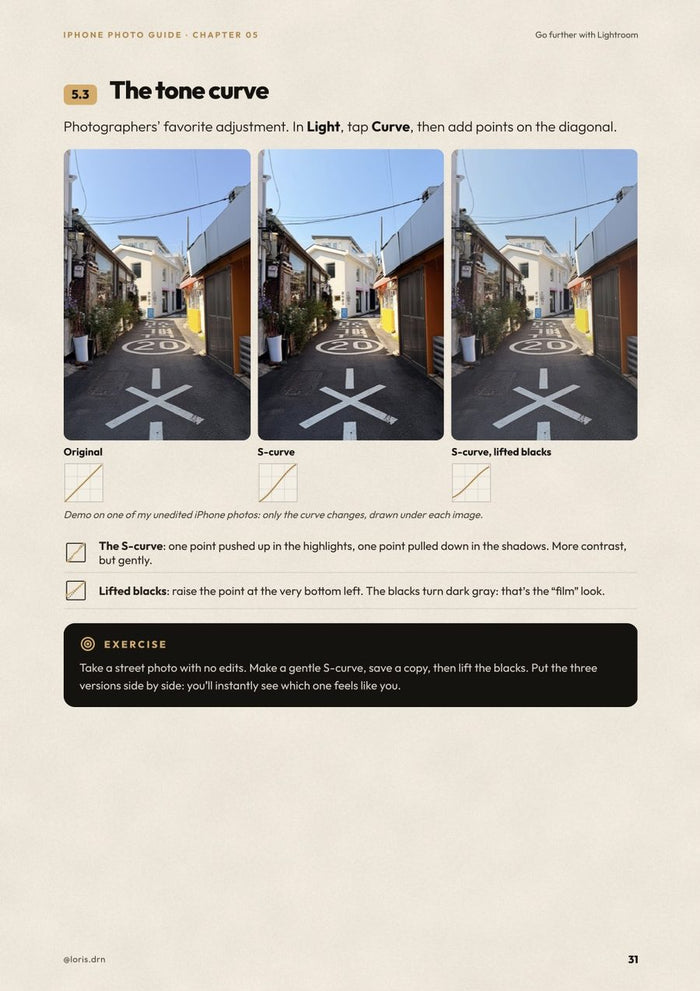
  • Go further with Lightroom mobile: presets, the tone curve, color mixing, color grading and effects, with before/afters.
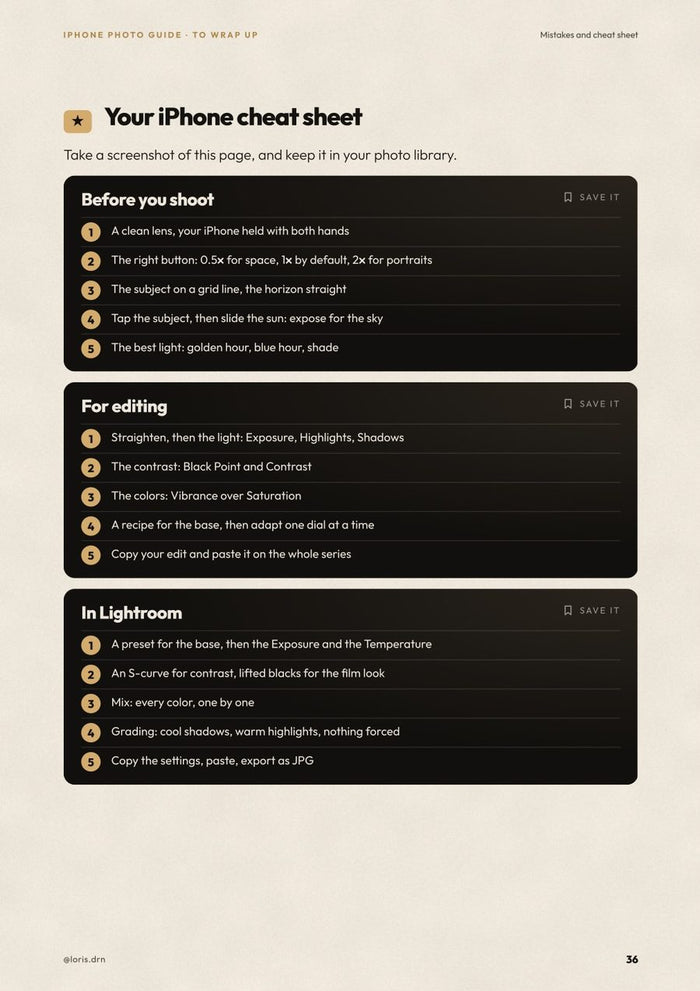
  • The 10 mistakes that ruin your photos, and a cheat sheet to keep in your camera roll.

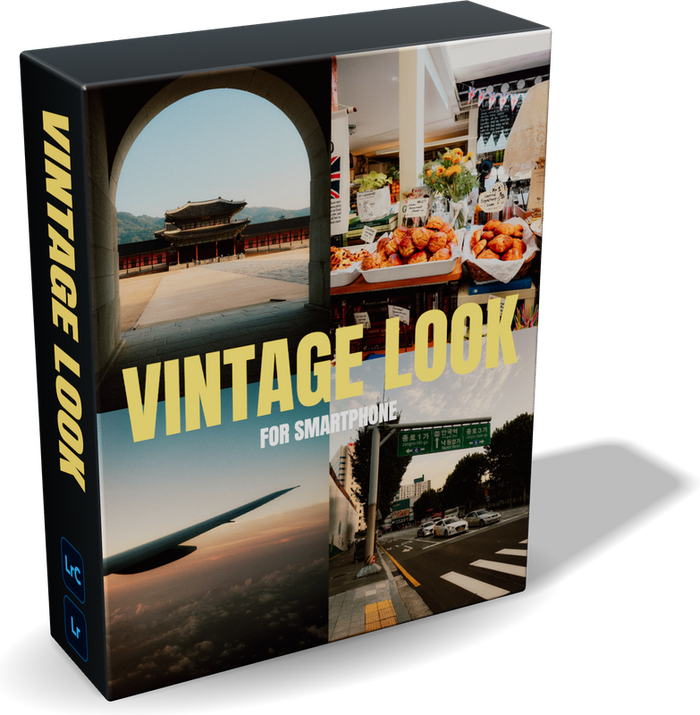
With the guide, you get my Vintage preset for Lightroom mobile: the film look of my photos, in one tap. The Lightroom mobile app is free.

Anyone with an iPhone who wants better photos, with no extra gear. No photography knowledge needed: every idea comes with a diagram or a photo.

  • The guide as a PDF (38 pages), in English or French: pick your version just above.
  • My Vintage preset for Lightroom mobile, free.
  • Instant download after purchase, to read on your phone, tablet or computer.

Every photo in the guide was taken with an iPhone.

Lo que vas a aprender.

Cinco capítulos, desde ajustar tu iPhone hasta editar en Lightroom. Cada idea va con un esquema o una de mis fotos.

01

Ajusta tu iPhone

Los ajustes que activar una vez, el objetivo adecuado, el enfoque y los modos.

02

Compón tus fotos

La regla de los tercios, las líneas, la simetría y los ángulos.

03

Juega con la luz

La hora dorada, la hora azul, la noche, los interiores y los retratos.

04

Edita en la app Fotos

Los 15 ajustes, el orden a seguir y mis 3 recetas.

05

Ve más allá con Lightroom

Presets, curva, colores y gradación, con antes y después.

Antes / después, con mis recetas.

Tres fotos de iPhone editadas en la app Fotos. Desliza para comparar: los ajustes exactos están en la guía, uno por uno.

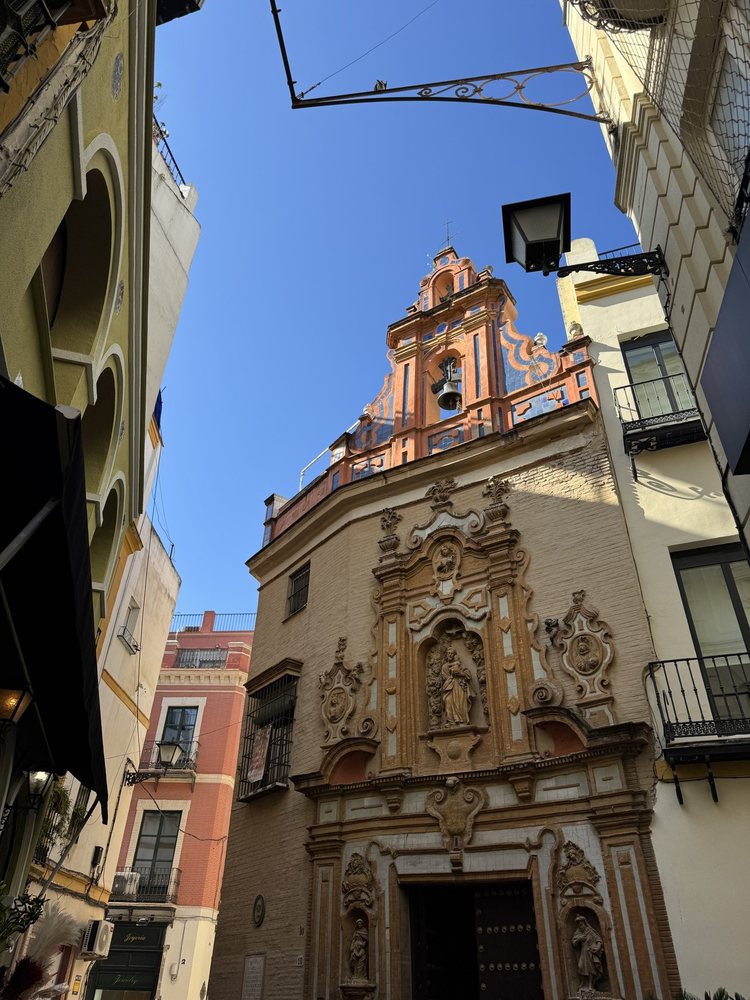
SévilleSévilleAntesDespués

Pleno sol, en Sevilla

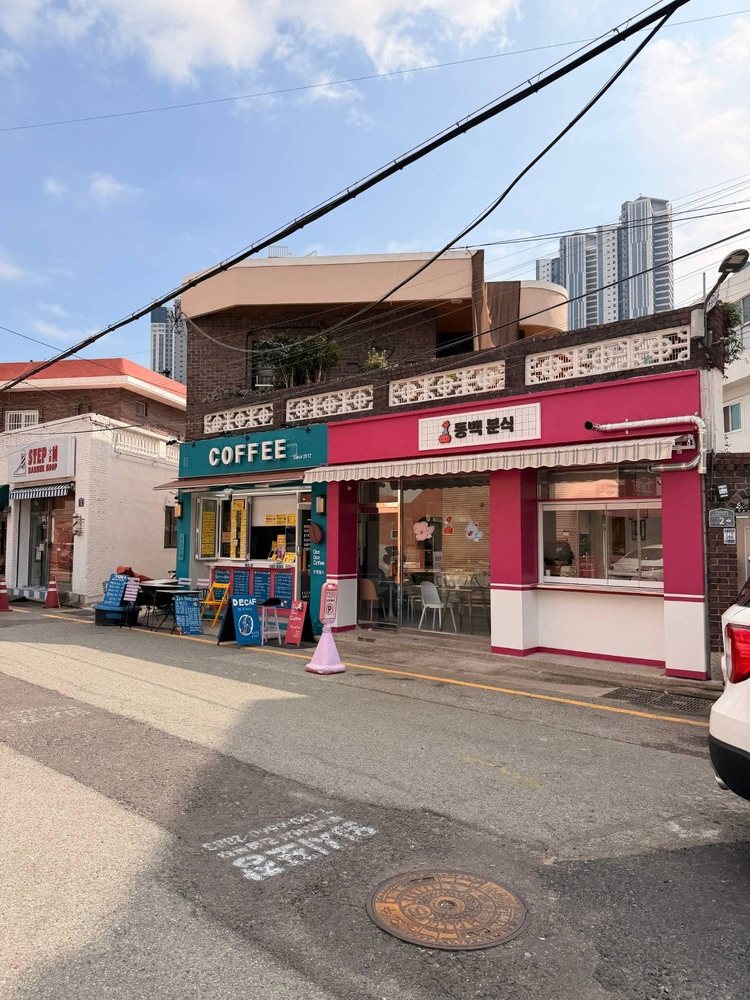
CaféCaféAntesDespués

Sol y contraste

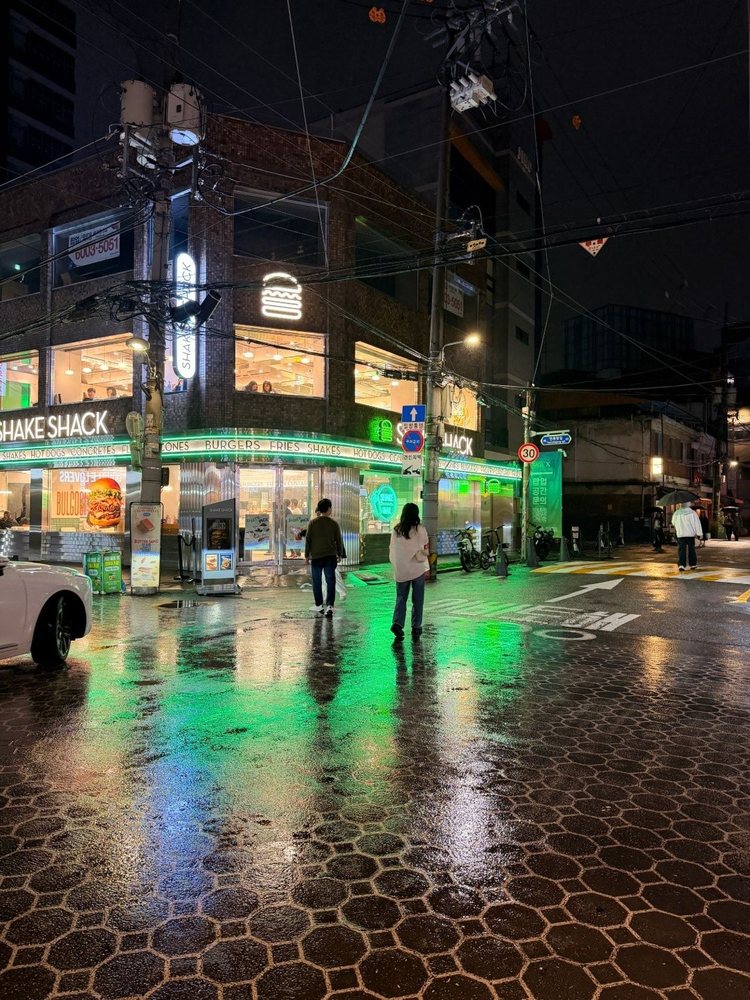
NightNightAntesDespués

Noche en la ciudad

3 fichas de edición, listas para copiar.

En cada receta: el antes y después de una de mis fotos y los 15 ajustes de la app Fotos, en el orden de tu iPhone.

3 fichas de edición, listas para copiar.3 fichas de edición, listas para copiar.3 fichas de edición, listas para copiar.

Hojea la guía.

38 páginas claras, pensadas para leerlas en tu móvil.

Hojea la guía.Hojea la guía.Hojea la guía.Hojea la guía.Hojea la guía.Hojea la guía.
LightroomLightroomAntesDespués

Lightroom mobile, con pruebas.

El último capítulo va más allá con la versión gratuita de Lightroom: presets, curva de tonos, mezcla de colores, gradación y efectos.

  • Instalar y crear tus presets
  • La curva en S y los negros levantados
  • Cada color, uno por uno
  • Lo gratis y lo Premium
Vintage

Bonus: mi preset Vintage de regalo.

Con la guía, también recibes mi preset Vintage para Lightroom mobile: el look analógico de mis fotos, en un toque.

Lo que recibes.

▤La guía en PDF, 38 páginas
⇄En inglés o en francés
✦Mi preset Vintage de regalo
↓Descarga inmediata

Vous pourriez également aimer ...