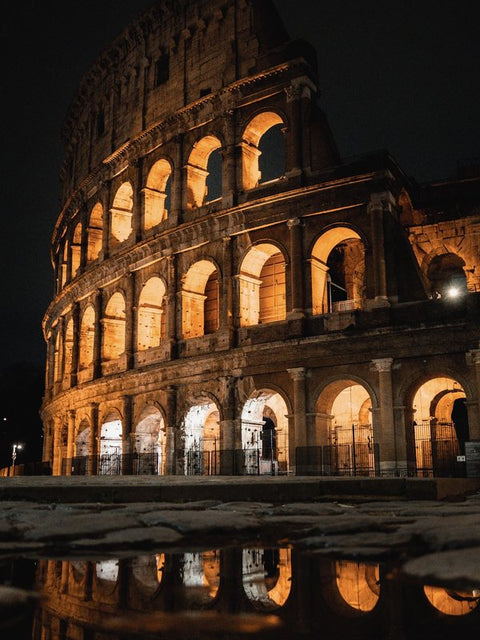
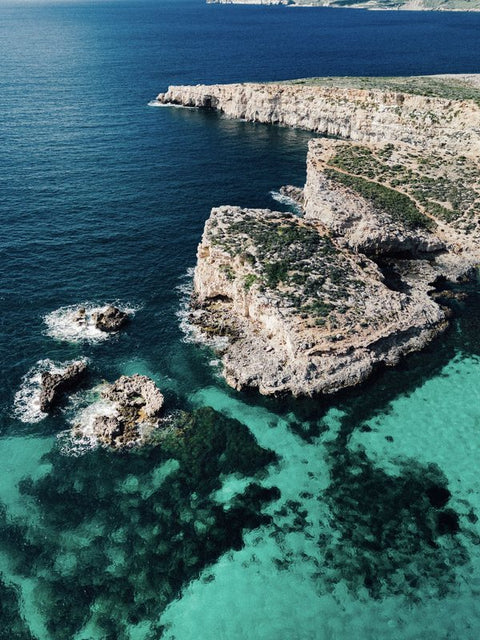
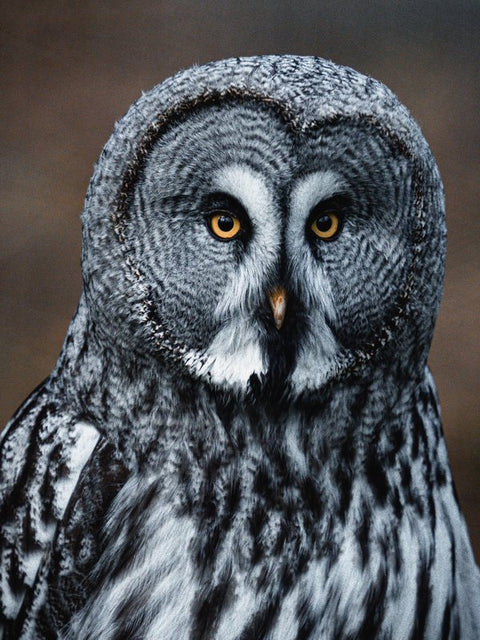
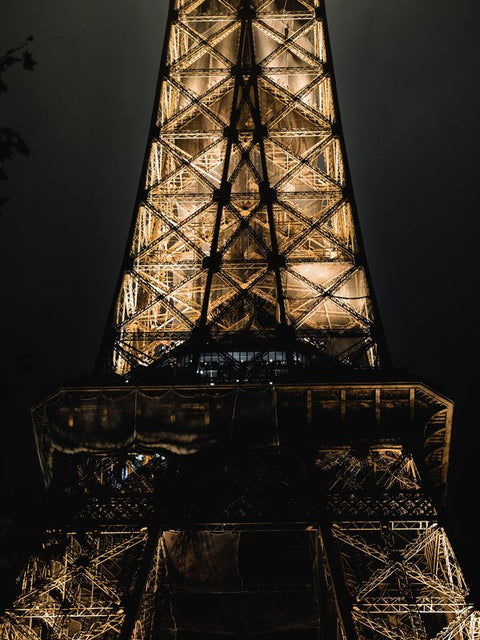
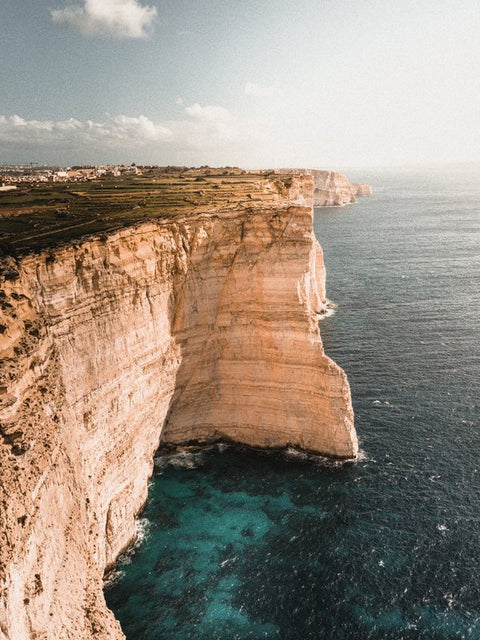
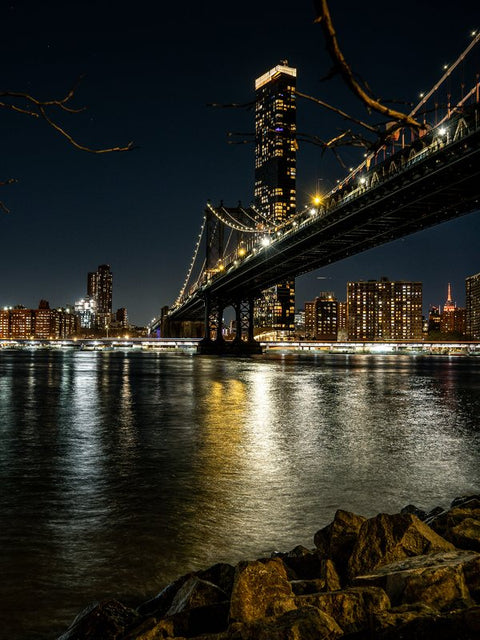
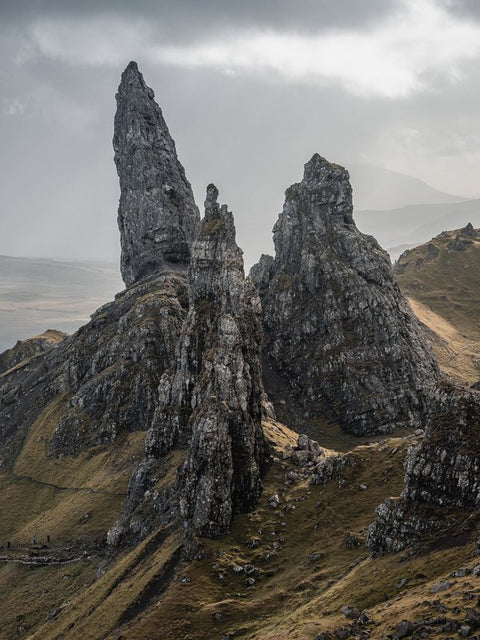
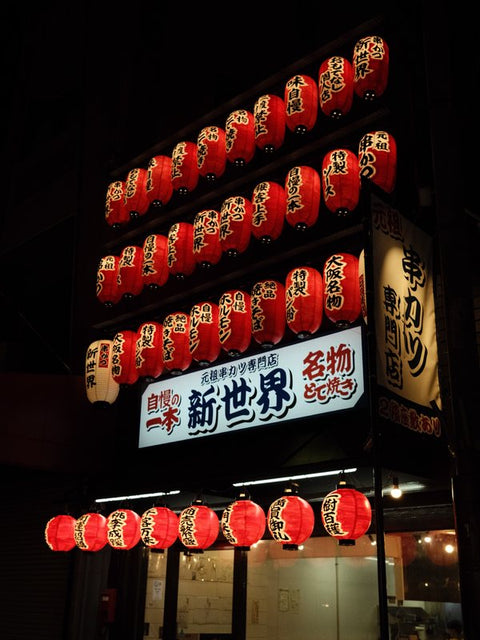
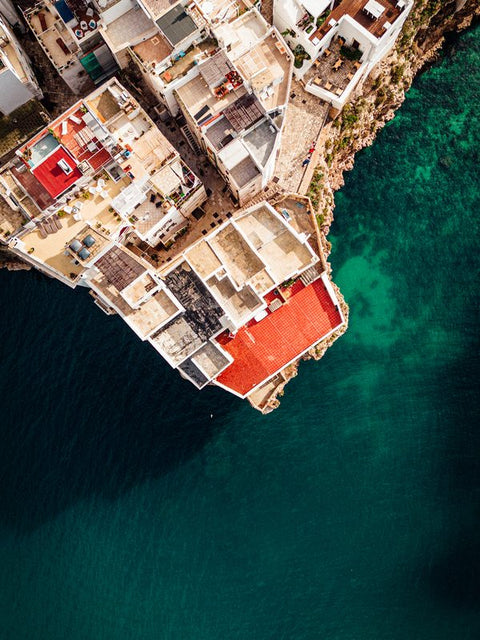
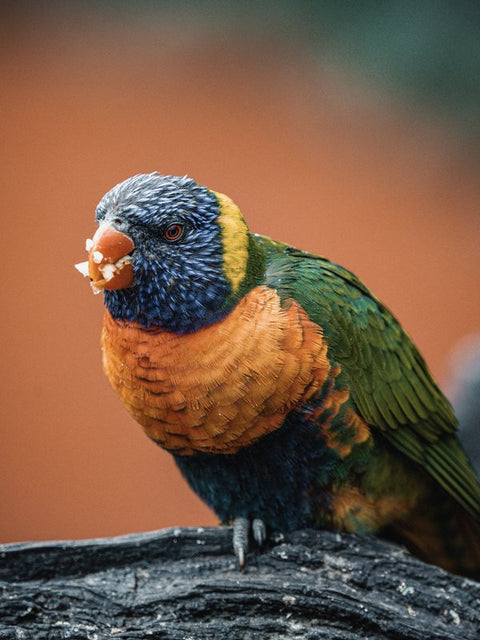
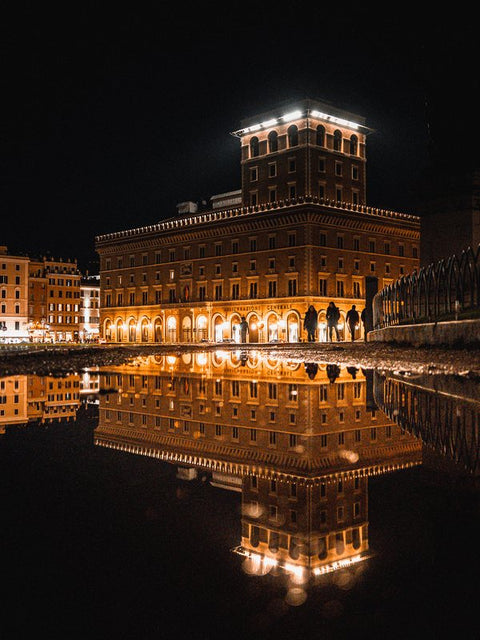
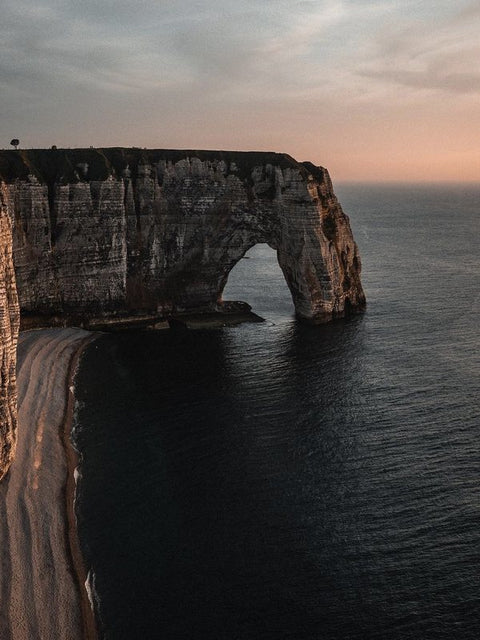
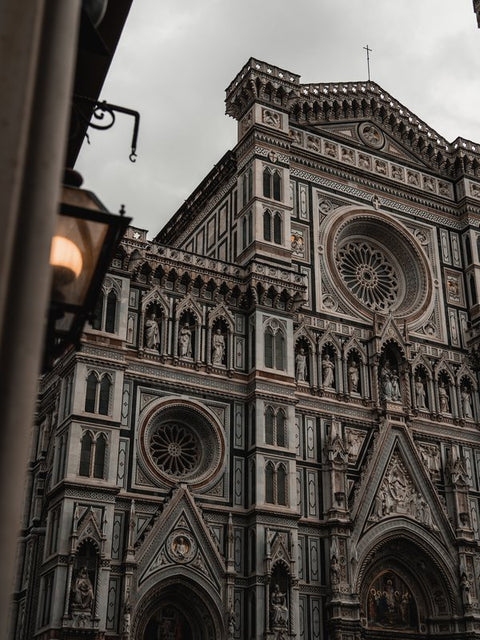
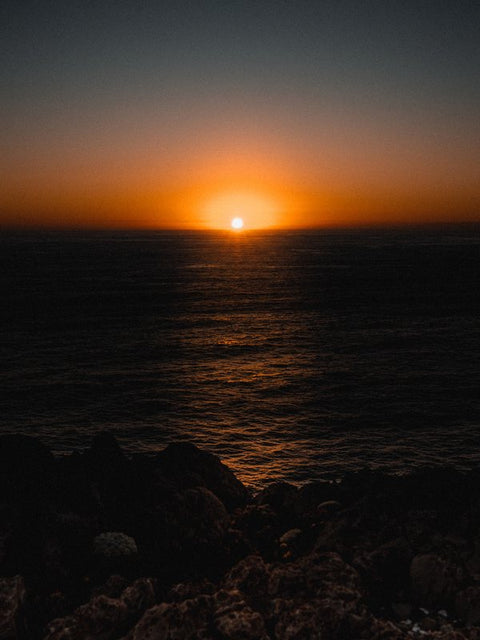
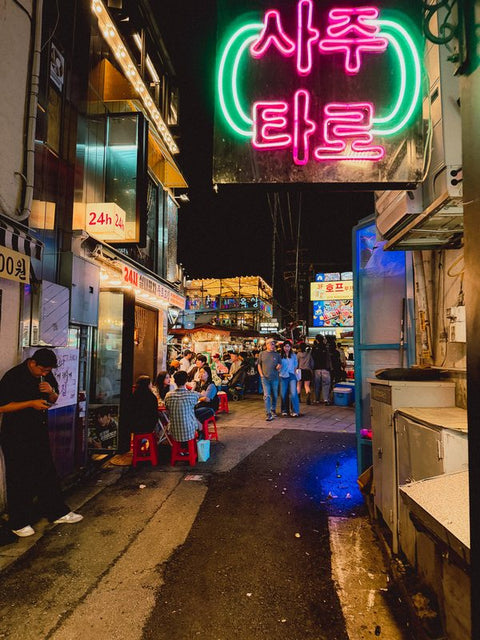
Portra 400 Preset for Smartphone
🎞️ The Portra 400 look, in one tap
Give your phone photos the softness of Portra 400 film: warm, sunny tones, gentle contrast and natural-looking skin. The perfect look for your summer, travel and holiday photos.
🔥 Why you'll love it
- ☀️ Warm, bright colours, perfect for summer
- 🌅 Soft contrast and natural-looking skin
- 📱 Made for phone photos (iPhone & Android)
- ⚡ One tap, no editing skills needed
- 🆓 Works with the free Lightroom Mobile app
- ♾️ Yours forever, on unlimited photos
📦 What you get
- 1 Portra 400 preset for Lightroom Mobile
- Instant download right after purchase
- Step-by-step install guide (2-minute setup)

Download and Save the Presets, U need Lightroom or Lightroom Mobile.
Open the Lightroom app, tap the + icon to create a new album (optional), then tap Add Photos → From Files and select all the DNG preset files. They will appear as blank images – this is normal.
Open a DNG file, tap the three dots (•••) in the top right, and select Create Preset. Give it a name, assign it to a group (you can create a new one), and tap the checkmark to save.
Open any photo in Lightroom, scroll through the bottom menu to Presets, choose the group where you saved them, and tap a preset to apply it. Adjust if needed.
When you're happy with the result, tap the Share icon (top right), then choose Export to Camera Roll or share directly to Instagram or other apps.
This pack contains mobile-friendly presets designed to transform ordinary photos into cinematic shots in just one click.
Perfect for both beginners and experienced users, these presets work beautifully on all types of photos – from portraits to travel, lifestyle, food, and more.
You’ll receive:
✅ The DNG files for Lightroom Mobile
✅ The XMP files for Lightroom Desktop
✅ A step-by-step installation guide to get started in minutes